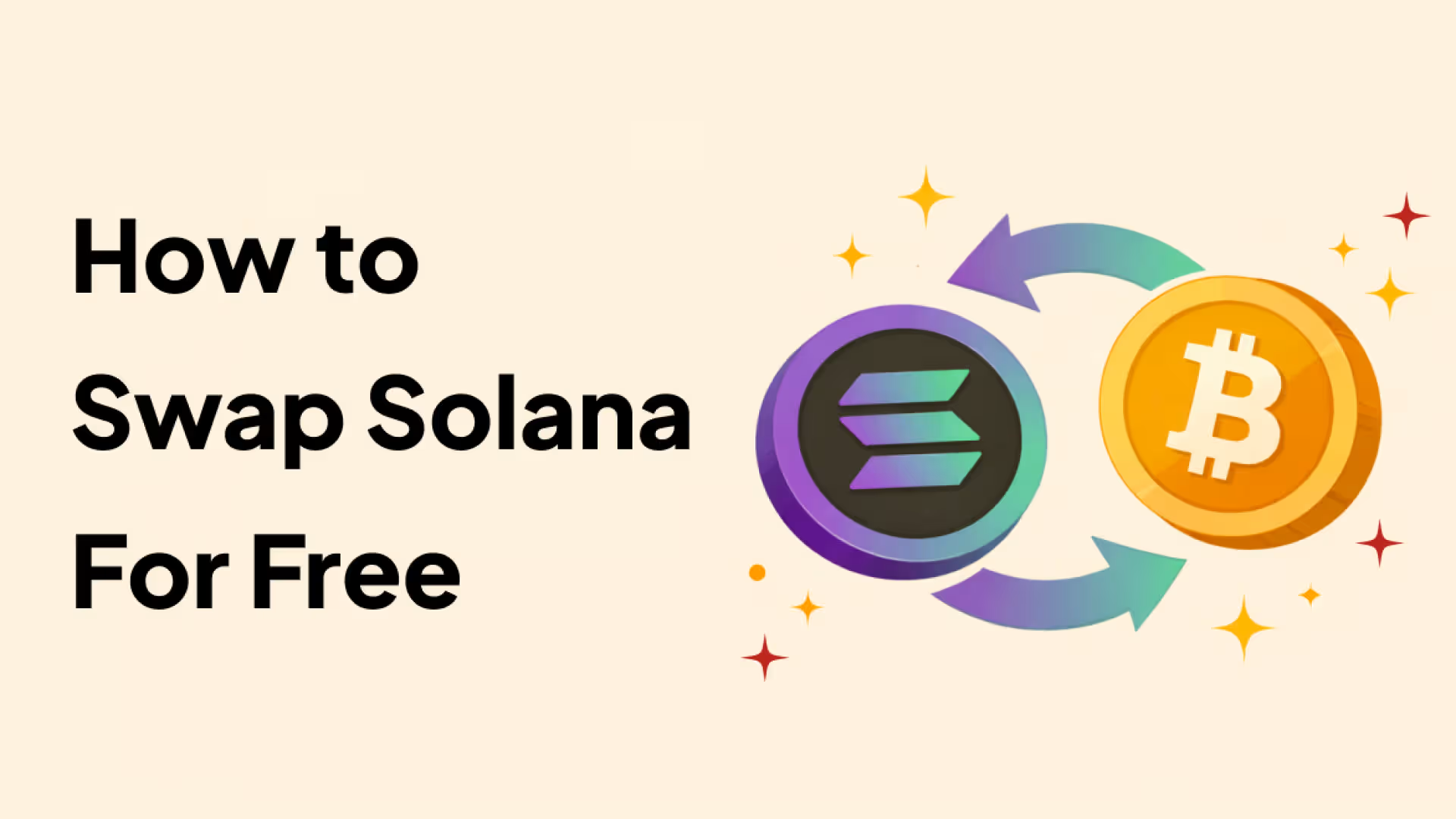
Swapping tokens is one of the most common actions on the Solana network. Whether you want to convert SOL to USDC, trade Solana-based tokens, or rebalance your portfolio, Solana swaps allow you to exchange assets quickly and at very low cost.
In this guide, you will learn how Solana swaps work, what people mean when they say swapping Solana for free, and how to swap SOL and SPL tokens without paying additional platform fees, including how this process works inside Backpack Wallet.
What Is a Solana Swap?
A Solana swap is the process of exchanging one Solana-based asset for another directly on the Solana blockchain.
Common examples of Solana swaps include converting SOL to USDC, swapping USDC for BONK, or exchanging one SPL token for another. These swaps are executed on-chain and typically settle within seconds.
Unlike centralized exchanges, Solana swaps do not require you to give custody of your funds to a third party. Assets remain under your control throughout the transaction.
What Does \"Swap Solana for Free\" Mean?
When users search for how to swap Solana for free, they are usually referring to swaps that do not include additional wallet-level or platform-level fees.
In practice, this means there is no extra service fee added by the wallet or interface, no hidden markup applied to the exchange rate, and users only pay standard Solana network fees and liquidity provider fees.
Completely zero-cost swaps do not exist because every on-chain transaction requires a network fee. However, Solana's low fees make it possible to swap tokens without paying extra platform fees beyond those required by the network and liquidity pools.
How to Swap SOL and Solana Tokens for Free
To swap Solana tokens without unnecessary fees, follow these general steps.
Step 1: Use a Non-Custodial Solana Wallet
Choose a wallet that supports native Solana swaps, keeps assets self-custodied, and does not charge additional swap fees. Wallets such as Backpack offer built-in Solana swaps without adding wallet-level fees.
Step 2: Select the Token Pair
Choose the token you want to swap from, such as SOL, and the token you want to receive, such as USDC or another SPL token.
Step 3: Review the Swap Details
Before confirming the transaction, review the exchange rate, slippage tolerance, and the liquidity sources used for the swap.
Step 4: Confirm the Transaction
Approve the transaction and wait for confirmation on the Solana blockchain. Settlement usually completes within a few seconds.
Swapping Solana Tokens Using Backpack Wallet
Backpack Wallet includes a built-in swap feature that allows users to swap SOL and SPL tokens directly within the wallet.
Backpack does not charge any wallet-level swap fees. When using the swap feature, users only pay standard Solana network fees and liquidity provider fees associated with the selected swap route.
All swaps are executed on-chain, and assets remain fully self-custodied throughout the process. Users do not need to connect to external decentralized applications to complete a swap.
In addition to same-chain Solana swaps, Backpack Wallet also supports cross-chain swaps and bridges between Solana and other supported networks such as Ethereum.
How to Swap in Backpack Wallet
Below is a step-by-step overview of how to swap tokens using Backpack Wallet on both desktop and mobile.
Swap on Desktop (Browser Extension)
- Open Backpack Wallet in your browser
- Click the Swap button at the top of the wallet interface
- Select the tokens you want to swap by choosing the asset you are swapping from and the asset you want to receive
- Enter the amount you want to swap
- Review the swap details, including the exchange rate and estimated fees
- Click Swap to submit the transaction
- Confirm the transaction in your wallet
- Wait for on-chain confirmation, which usually completes within a few seconds

Swap on Mobile (iOS and Android)
- Open the Backpack mobile app
- Tap Swap in the bottom navigation
- Select the tokens in the From and To fields
- Enter the amount you want to swap
- Review the swap details
- Tap Swap and confirm the transaction
- Check your updated balance in the Tokens tab after confirmation
.png)
Why Use Backpack for Solana Swaps?
Backpack is designed for users who actively use Solana and want an efficient way to manage and swap assets.
Key features include:
- No wallet-level swap fees
- Fully non-custodial execution
- Native Solana swaps and cross-chain bridge support
- Support for hardware wallets such as Ledger and Trezor
- A clean interface without hidden spreads
These features make Backpack suitable for users who swap Solana tokens regularly.
Why Solana Swaps Are So Cheap
Solana enables low-cost swaps due to its high transaction throughput and efficient on-chain execution. Network fees on Solana are significantly lower than on many other blockchains, which reduces the total cost of swapping tokens.
For most users, the cost of a Solana swap is often less than one cent.
Is Swapping on Solana Safe?
Swapping on Solana is generally safe when you rely on reputable wallets and established liquidity sources. Common risks include interacting with fake tokens, swapping through low-liquidity pools that cause high price impact, and phishing websites that imitate legitimate wallet interfaces.
In addition to general best practices, wallet-level security plays an important role. Backpack includes features such as hardware wallet integration, NFT collection locking, real-time scam alerts, and a self-custodial design that helps users maintain control over their assets.
Careful review of transactions and basic security practices significantly reduce these risks.
Final Thoughts
Solana swaps make it easy to exchange tokens quickly and at low cost without relying on intermediaries. While every on-chain transaction includes a small network fee, Solana's design allows users to swap tokens without paying additional platform fees.
Wallets such as Backpack provide a streamlined way to swap SOL and Solana tokens directly on-chain while maintaining full control over assets.
Learn more about Backpack
Exchange | Wallet | Twitter | Discord | Reddit
Disclaimer: This content is presented to you on an “as is” basis for general information and educational purposes only, without representation or warranty of any kind. It should not be construed as financial, legal or other professional advice, nor is it intended to recommend the purchase of any specific product or service. You should seek your own advice from appropriate professional advisors. Where the article is contributed by a third party contributor, please note that those views expressed belong to the third party contributor, and do not necessarily reflect those of Backpack. Please read our full disclaimer for further details. Digital asset prices can be volatile. The value of your investment may go down or up and you may not get back the amount invested. You are solely responsible for your investment decisions and Backpack is not liable for any losses you may incur. This material should not be construed as financial, legal or other professional advice.