Featured

Backpack Wallet Now Supports Tron
Backpack
November 9, 2026
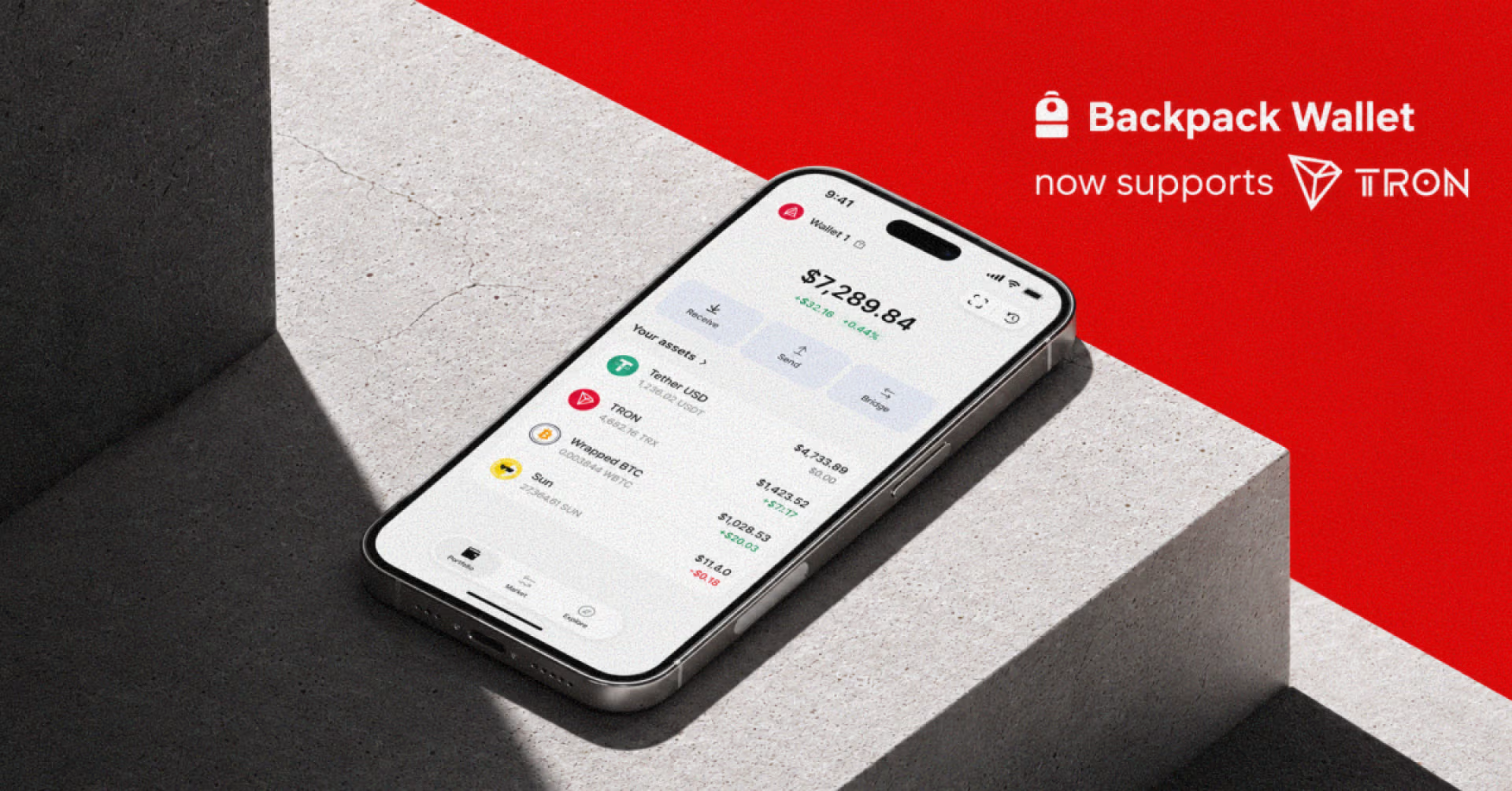
Backpack Wallet now supports Tron. Users can send, receive, bridge, and store assets issued on Tron directly in the Backpack Wallet mobile app and browser extension, in full self-custody.
About Tron
Tron is an open-source Layer 1 blockchain built for high throughput and low transaction costs. It runs on a Delegated Proof-of-Stake consensus with block times of around three seconds, and its smart contracts execute on the Tron Virtual Machine, which is largely compatible with the EVM. The mainnet launched in 2018.
Tron is widely used for stablecoin transfers, particularly USDT issued as a TRC-20 token, and hosts a dApp ecosystem spanning payments, DeFi, gaming, and NFTs. TRX is the network’s native token and covers transaction fees.
What you can do on Tron in Backpack Wallet
- Send, receive, and hold Tron assets, including TRC-20 USDT, in full self-custody
- Bridge between Tron and other supported networks in seconds, without leaving Backpack Wallet
- Explore DeFi and other dApps on Tron directly from Backpack Wallet
- Manage Tron assets alongside your full multi-chain portfolio in Backpack Wallet
Get Started
Open Backpack Wallet
Launch your Backpack Wallet app and ensure it is updated to the latest version.
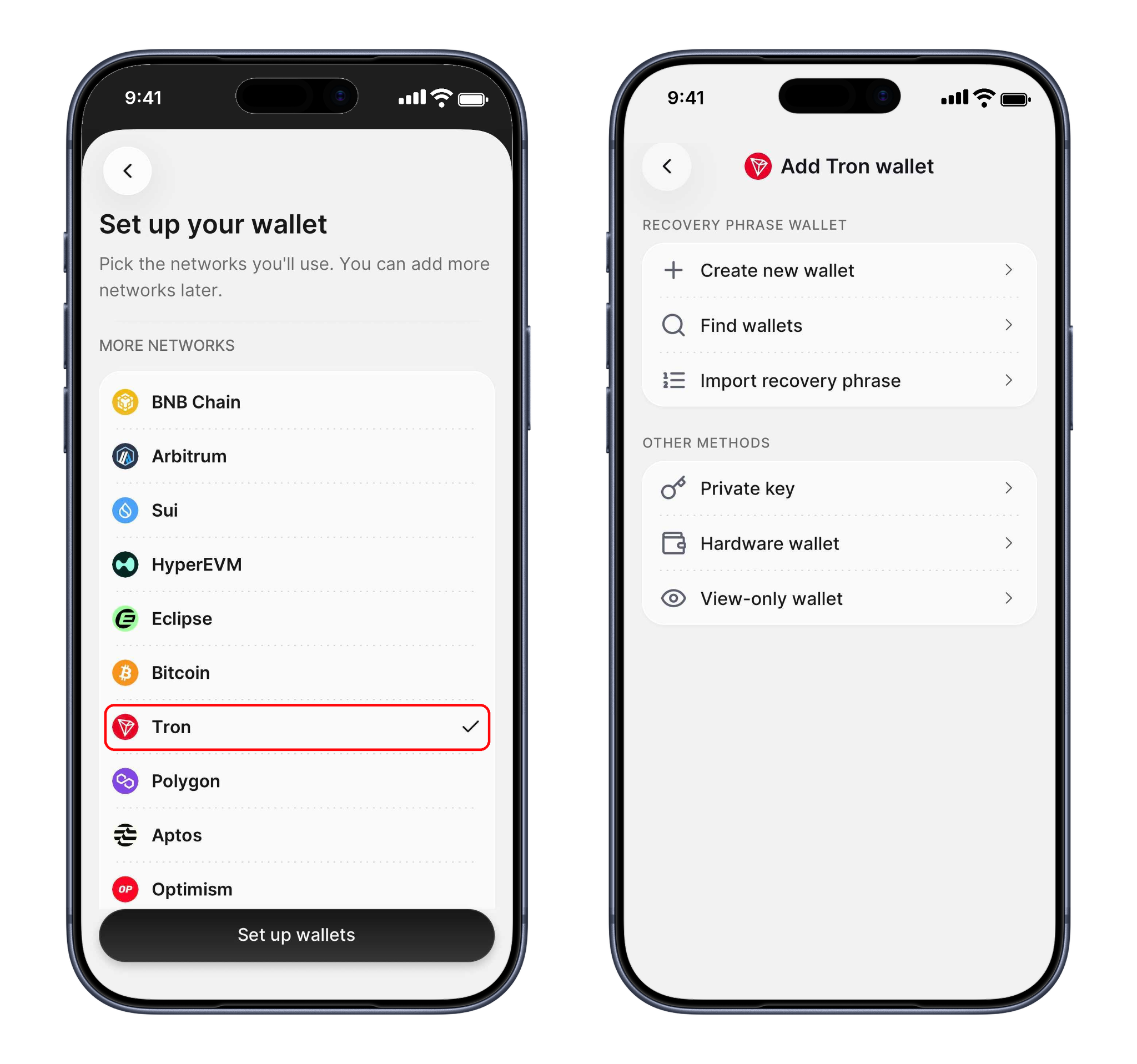
Add the Tron Wallet
Tron uses its own address format, so add Tron from the network list in Backpack Wallet to create your Tron address. It is managed under the same seed phrase as the rest of your wallet.
Fund Your Wallet
Add supported assets to your Tron wallet to begin interacting with the network.
Tron uses TRX as its native token, and transactions consume Bandwidth and Energy, so keep some TRX available to cover fees.
Bridge Assets
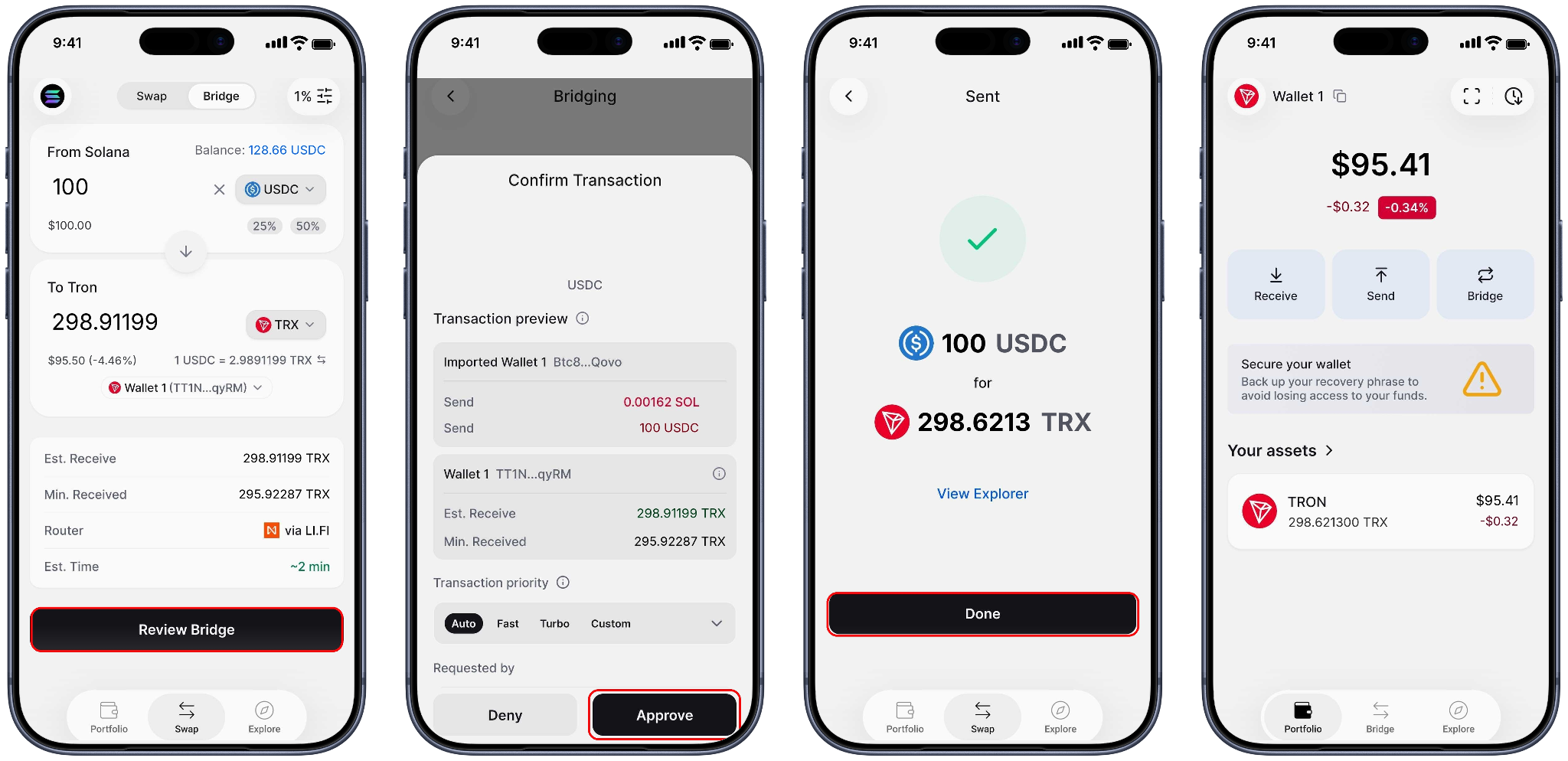
Move tokens from Solana, Ethereum, and other supported chains into Tron in seconds, directly from Backpack Wallet. Moving them back out works the same way, so you can swap across chains without an external bridge.
- Tap Bridge on your Tron wallet
- Select the tokens to send and receive, then enter the amount
- Choose your destination wallet and tap Review Bridge
- Review the transaction and approve
Explore Tron dApps
Tap Explore in Backpack Wallet to browse dApps on Tron and interact with them directly from the in-wallet browser, all while keeping your assets in self-custody. For example, you can open SUN.io to swap TRC-20 tokens, stake, and provide liquidity.
Your Backpack Wallet is now connected to Tron. You can view balances, manage assets, and interact with Tron dApps without leaving the app.
Start exploring Tron on Backpack today. Download Backpack Wallet.


Get the latest in crypto dropped to your email.

Terms
Backpack takes seriously its obligations to protect your personal information under the European General Data Protection Regulations and other applicable laws and regulations.
By providing Backpack with your email address, you confirm that you have read and understood the Backpack Privacy Policy and hereby consent to the collection, use, disclosure and processing of your personal information by Backpack and its affiliates.
(https://support.backpack.exchange/articles/privacy-policy)