Featured

Grid Bot v2: Major Upgrade to Automated Trading on Backpack
Backpack
April 14, 2026
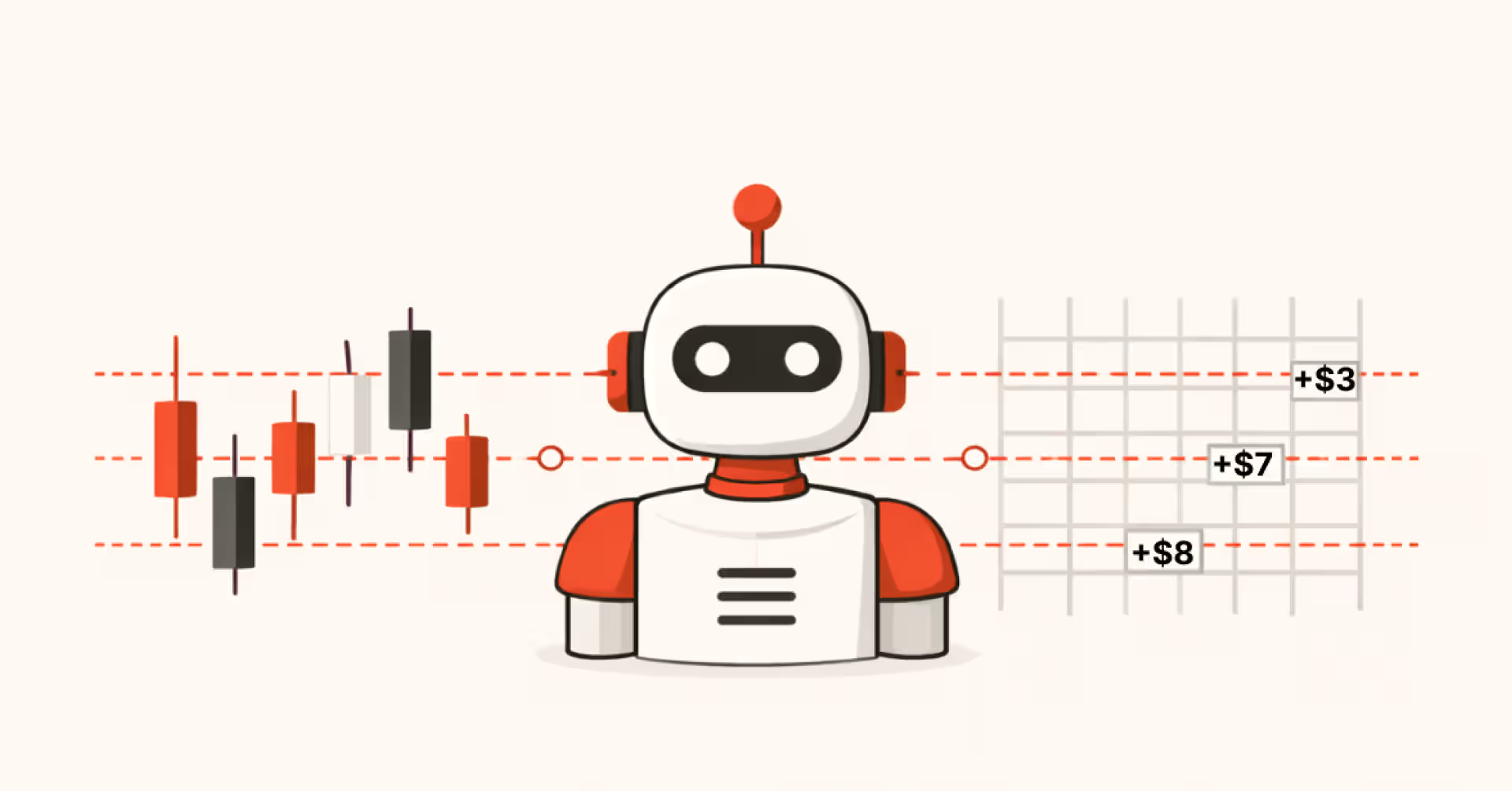
Backpack has released a major upgrade to Grid Bots.
The original version delivered on the core mechanics: automated "buy low, sell high" within a defined price range, running directly inside your account with no API keys required. But as usage grew, so did the limitations. Account-level stop losses triggered unexpectedly, spot markets were not supported, and there was no way to keep grids active when price moved out of range.
Grid Bot v2 addresses these constraints directly. Seven new features are now live on web, fundamentally changing how grid trading works on Backpack.
What Is a Grid Bot?
A grid bot is an automated trading strategy that places buy and sell orders at predefined price intervals within a range, capturing profit from price fluctuations rather than directional bets.
It works best in sideways markets, when price moves up and down within a range, repeatedly executing the same cycle: buy low, sell higher. The bot does not predict direction. It profits from movement.
What's New in Grid Bot v2
1. Spot Grid Support
Grid bots previously ran on perpetual futures only. Grid Bot v2 introduces full support for spot markets, unlocking a different use case entirely. No leverage, no liquidation risk, direct ownership of the underlying asset.
One thing to understand with spot grids: the bot needs both assets to cover all its orders. Buy orders below the current price require the quote asset (e.g., USD). Sell orders above require the base asset (e.g., SOL or BTC). If you do not hold enough of the base asset to cover the sell side, you have two options. You can buy the shortfall upfront before the grid starts, or borrow it from the lending pool. If only one funding option is available, the system selects it automatically. If both are available, it defaults to borrowing from the lending pool, though you can switch to buying upfront instead.
2. Per-Symbol Stop Loss and Take Profit
Stop loss and take profit previously operated at the account level, tracking total subaccount equity from bot start and stopping all grids simultaneously when a threshold was hit. That created a specific problem: any deposit or withdrawal to the subaccount after the bot started would shift equity, which could trigger stops in ways the trader did not intend.
Symbol-level SL/TP replaces this as the primary control for individual grids. Each symbol now carries its own stop loss and take profit, evaluated against that symbol's allocated capital, not the full subaccount.
For example: if SOL/USD has $1,000 allocated and a 20% stop loss is set, that grid stops when its own PnL reaches -$200. The ETH and BTC grids in the same bot are unaffected.
Bot-level SL/TP remains available alongside symbol-level. The two operate independently. Symbol-level stops an individual grid; bot-level stops all grids at once.
3. Price Stops
Price stops are separate from SL/TP and work differently. Rather than tracking PnL, they pause a symbol when the market mid price reaches a defined level.
You set a lower stop price and an upper stop price. When the market touches either level, that symbol pauses. The other symbols in the bot keep running.
The practical use case: if you want the grid to stop once price exits a meaningful technical range, price stops let you do that without waiting for a loss threshold to be hit. A grid can be profitable overall and still trigger a price stop, because the two are measuring different things.
Both price stops and symbol-level SL/TP can be active on the same symbol simultaneously.
4. Trailing Grid
When price moves outside the grid range and stays there, the bot goes idle. All orders on one side have filled, and the grid waits for price to return. Trailing changes that behavior. When enabled, the grid range automatically shifts as price moves beyond the configured bounds, up to a defined limit.
Example: a grid is set between $90 and $110 with a trailing upper limit of $130. If price rises to $120, the range shifts to [$100, $120]. If price continues to $135, the range caps at the trailing limit and the effective range holds at [$110, $130].
On spot markets, the grid trails upward only. On futures, it trails in both directions, each with its own configurable limit.
5. Grid Trigger Price
By default, a grid activates immediately when created. A trigger price changes that. The grid enters a waiting state and only activates when the market price crosses the level you set.
Until the trigger is reached, no orders are placed, though the capital allocation is reserved. The trigger price must fall within the grid range.
This is useful if you want the bot to activate only after price confirms a level. For example, waiting for a breakout above resistance before the grid becomes active.
6. Close All on Stop
When a grid stops, from a stop loss, price stop, or manual action, this setting controls what happens to any open exposure the bot is holding.
With it enabled, the bot closes its net position at market on stop. If the bot bought 10 SOL and sold 7 SOL over its run, it holds a net long of 3 SOL. On stop, those 3 SOL are sold at market.
With it disabled, open exposure remains in the subaccount after the bot stops and you manage the position manually.
One important detail: the bot only closes its own exposure. Any assets held in the subaccount before the bot started are not touched.
7. Directional Bias (Futures Only)
Futures grids now support a directional bias setting: Long, Short, or Neutral.
Neutral is the default. Buy orders below price, sell orders above, no directional lean.
Long changes the startup sequence. The bot places buy orders across all grid levels at startup to build a long position first, then transitions to normal grid operation adjusted to maintain that bias. Short does the inverse. Sell orders at all levels at startup, then transitions to normal operation.
Directional bias is available on futures only. Spot grids are always Neutral.
Why This Upgrade Matters
Grid Bot v2 shifts grid trading from a rigid system to a more flexible one.
Previously:
- One stop loss could shut down the entire bot
- Grids went idle when price moved out of range
- No control over execution timing or market type
Now:
- Risk is managed at the symbol level, independently per grid
- Grids can follow the market with trailing
- Entries are configurable via trigger price
- Spot and futures markets are both supported
What Stays the Same
The structure underneath has not changed. Grid bots run as sub-accounts, isolated from your main trading activity. One sub-account supports one bot; one bot can run multiple grids across different symbols simultaneously. Capital between executions continues to earn yield automatically through auto-lending, SOL staking, and stablecoin rewards.
These updates are live on web. Mobile is expected shortly after.
Grid bots carry real risk. Price breaking outside the range, sudden market gaps, and correlated moves across symbols can all result in unrealised losses. Use stop loss settings appropriate to your risk tolerance and monitor positions regularly. Past performance is not indicative of future results. Availability may vary by region.

.png)

Get the latest in crypto dropped to your email.
.avif)

Terms
Backpack takes seriously its obligations to protect your personal information under the European General Data Protection Regulations and other applicable laws and regulations.
By providing Backpack with your email address, you confirm that you have read and understood the Backpack Privacy Policy and hereby consent to the collection, use, disclosure and processing of your personal information by Backpack and its affiliates.
(https://support.backpack.exchange/articles/privacy-policy)