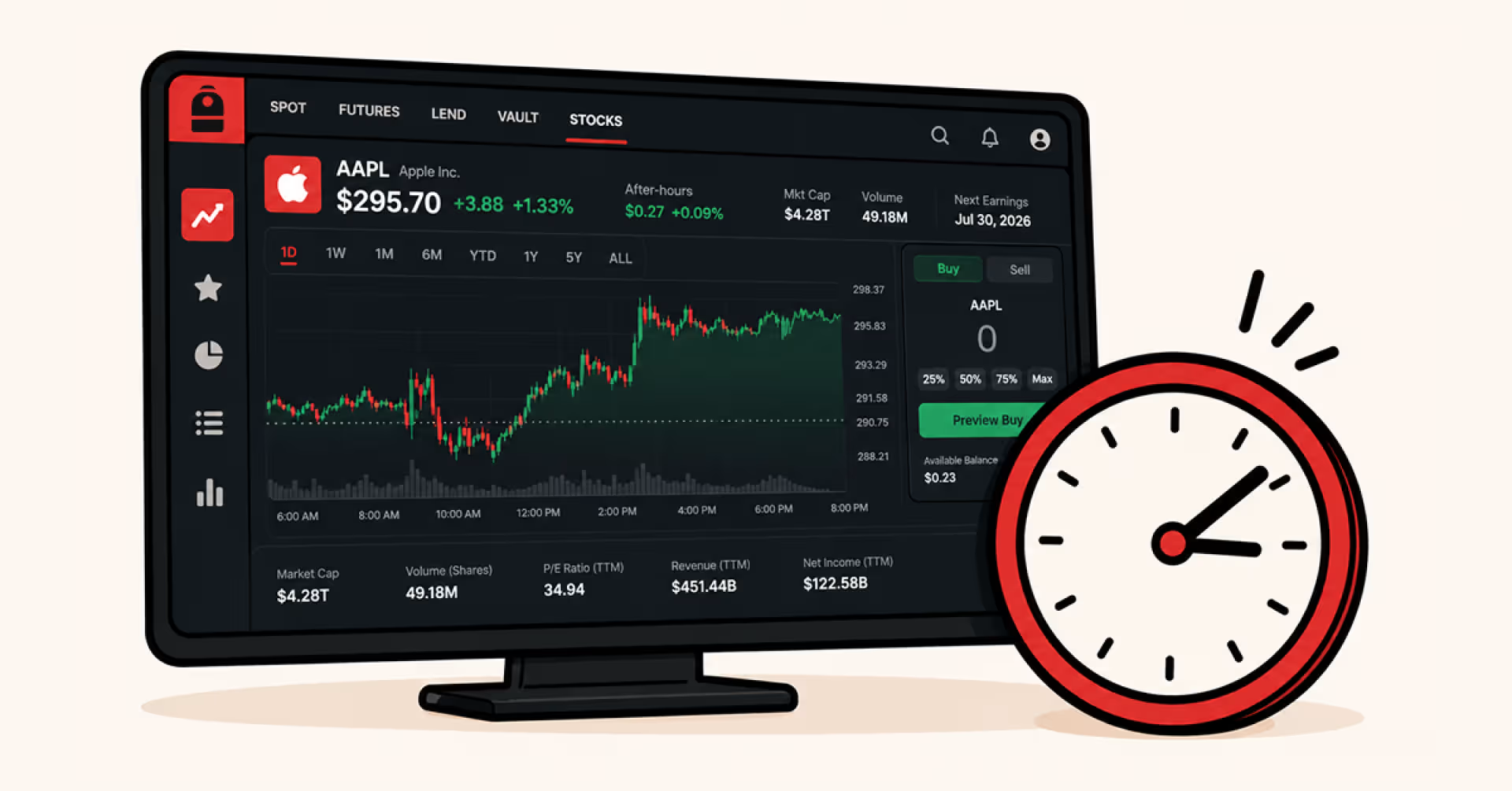
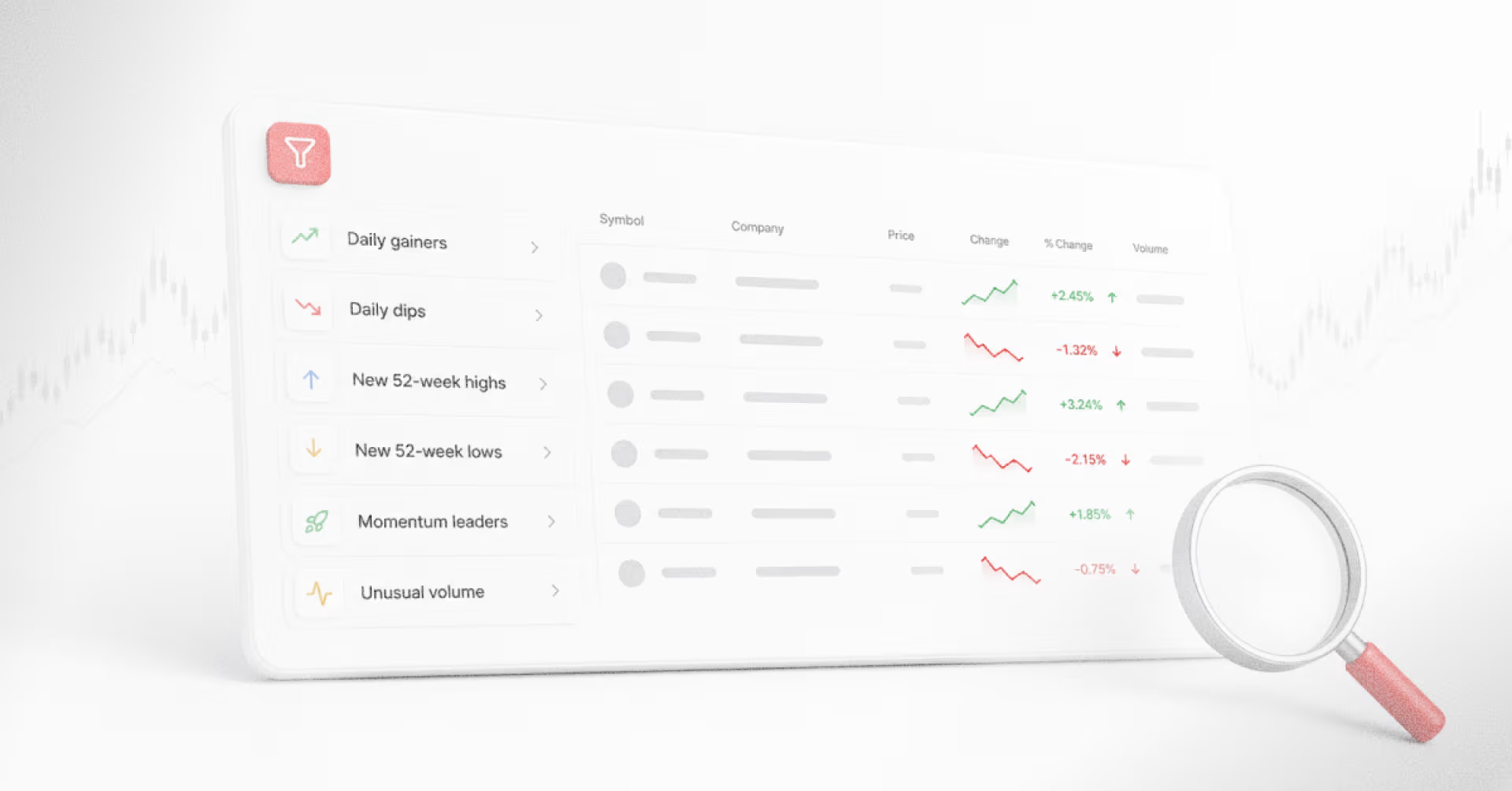
Screening thousands of listed stocks manually is impossible. A stock screener does the work automatically. Backpack's stock screener covers over 6,000 US-listed stocks and ETFs, letting an investor filter down to a shortlist matching a specific investment thesis in seconds, then move straight into per-stock financials, news, and insider activity without switching platforms.
What Is a Stock Screener?
A stock screener is a filtering tool that scans a database of stocks and returns only the ones matching user-defined criteria. The mechanic is similar to a real estate search: investors set filter conditions like sector, valuation, or dividend yield, and receive only the stocks that match, in the same way a homebuyer filters listings by neighborhood, price range, and bedroom count.
Criteria fall into three broad categories:
- Fundamental data: P/E ratio, market cap, revenue growth, dividend yield
- Technical data: price levels, moving averages, volume, 52-week highs and lows
- Event data: upcoming earnings dates, insider transactions, index inclusions
Most platforms offer preset screens built around common investment ideas like "momentum leaders" or "value stocks near a 52-week low." Advanced users build custom screens from scratch, combining filters to match a specific thesis.
How to Build a Screen From a Thesis
A screen is only as useful as the thesis behind it. Translating an investment thesis into filters follows three steps:
1. State the thesis in one sentence. Example: "Find dividend growers with sustainable payouts trading at reasonable valuations." If it takes more than one sentence, the thesis is not tight enough.
2. Break each phrase into filterable claims.
- "Dividend growers" → dividend yield above a floor + dividend growth over a period
- "Sustainable payouts" → payout ratio filter
- "Reasonable valuations" → P/E or free cash flow multiple
3. Set the numerical thresholds. This is where investor judgment enters. Every threshold is a deliberate choice:
- Dividend yield above 2% or 4%?
- Payout ratio capped at 60% or 80%?
- P/E ceiling at 15 or 20?
Screens built this way are legible. When an unexpected name appears on the shortlist, the investor can trace back to identify which filter was too loose or which threshold was too generous, and refine accordingly.
Preset vs Custom Screens: When to Use Each
Both preset and custom screens serve valid purposes, but they solve different problems.
Preset Screens
Purpose: Deliver an immediate list of candidates without any filter setup, based on commonly used market patterns.
Use when:
- Just starting with stock screening
- Doing a quick daily market pulse
- Exploring the market without a specific thesis yet
Each preset encodes a specific investment thesis, even when that thesis is not stated in the interface. "Top gainers today" is a momentum bet. "New 52-week lows" is either mean reversion or distress, depending on interpretation. Running presets without understanding the implicit thesis is outsourcing the most valuable part of the research workflow.
Custom Screens
Purpose: Express a specific investment thesis in filter form, and save it for repeated use over time.
Use when:
- The thesis fits a defined pattern (dividend growth, value at reasonable price, high-growth momentum)
- Presets do not match the specific criteria being looked for
- Building a repeatable research process rather than doing one-off searches
How to Use a Stock Screener
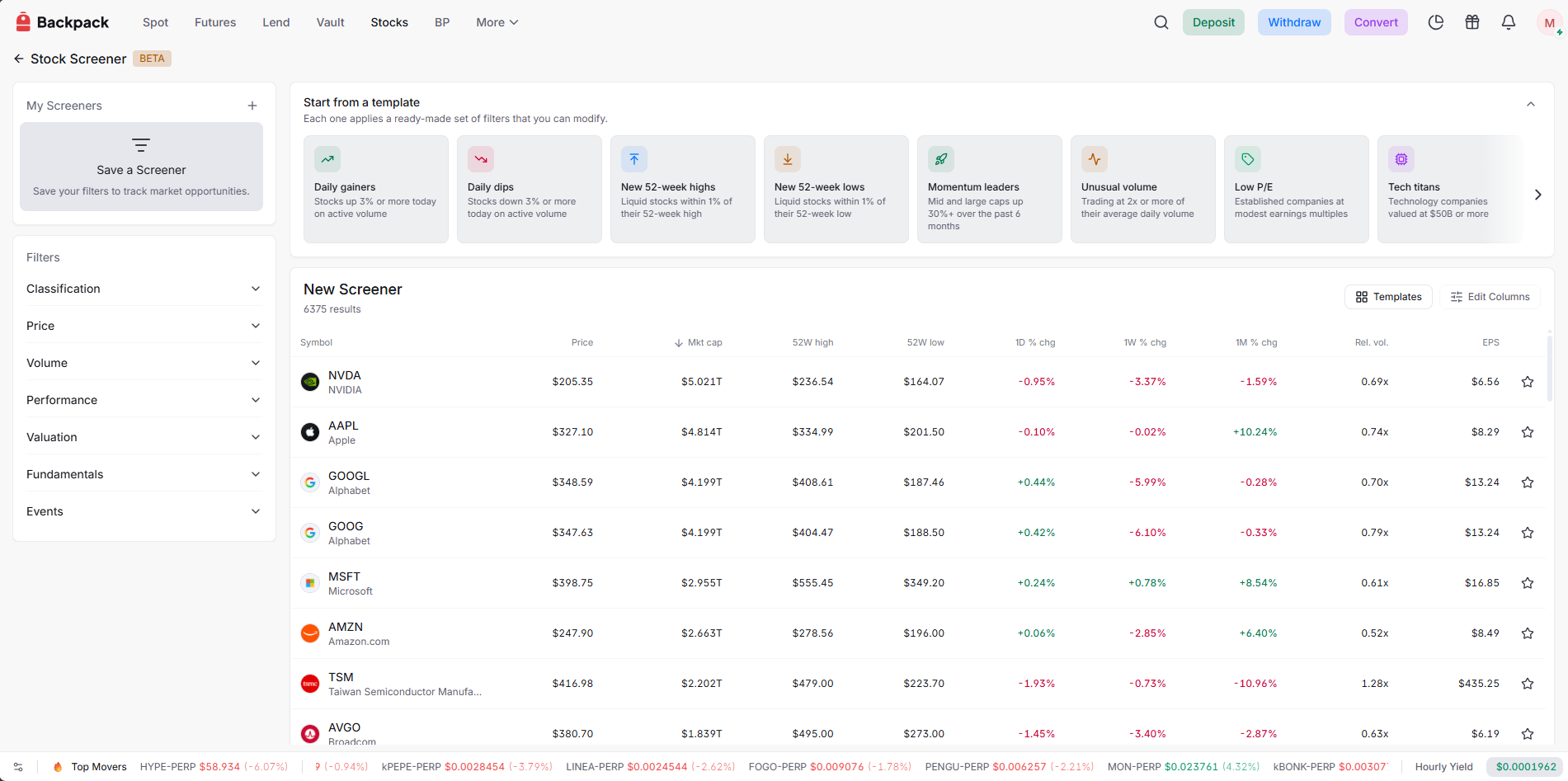
The mechanics of using a stock screener depend on the platform. Using Backpack's stock screener as an example, an investor can start in two ways:
1. Run a preset screen. Pick a template from the "Start from a template" panel:
- Daily gainers / Daily dips
- New 52-week highs / New 52-week lows
- Momentum leaders
- Unusual volume
- Low P/E
- Tech titans
- Semis & memory
Each template applies a ready-made filter set that returns an immediate shortlist. Filters can be modified afterward.
2. Build a custom screen. Combine filters across seven categories: Classification, Price, Volume, Performance, Valuation, Fundamentals, and Events. Save the screen once built to rerun on any schedule.
Move from screener hit to full research inside one platform. Every ticker on the shortlist links directly into Backpack's per-stock financial page, which covers fundamentals, news, insider activity, and 13F filings. The earnings and macro calendar sits one tab away for catalyst timing. Research candidates surface, get evaluated, and either graduate to a watchlist or drop off, all inside one workflow.
Example: Building a Dividend Income Screen
Thesis: "Find established dividend payers with sustainable payouts."
Translate each phrase into filters:
- "Established" → Market cap (larger companies)
- "Dividend payers" → Dividend yield above a floor
- "Sustainable payouts" → Payout ratio ceiling
Set the thresholds:
- Classification → Type: Stocks
- Price → Market cap: above $10B
- Valuation → Dividend yield: above 3%
- Valuation → Dividend payout ratio: below 70%
Expected output: A shortlist of established companies paying meaningful dividends with payout ratios that leave room for the business to reinvest and weather downturns. Names on the shortlist still require review of business quality, industry position, and dividend growth history before any buy decision.
Common Mistakes When Using a Stock Screener
Screening without a thesis. Filters chosen by feel produce shortlists no one can defend. Every name still needs an independent reason to own it.
Over-filtering. 3-5 filters is usually enough. Stacking 10 or more conditions typically produces one or two outliers, not a workable shortlist.
Ignoring context of low metrics. A P/E of 4 looks cheap, but a cyclical company at the top of its earnings cycle rarely stays cheap. Pair valuation filters with a growth or profitability check.
Treating the shortlist as a buy list. Screener output is a research candidate list. Fundamental research on each name is the next step, not a bypass.
Never rerunning the screen. A one-time screen is a snapshot. Value compounds when a screen is saved and rerun on a schedule.
Learn more about Backpack
Exchange | Wallet | Twitter | Discord | Reddit
Disclaimer: This content is presented to you on an “as is” basis for general information and educational purposes only, without representation or warranty of any kind. It should not be construed as financial, legal or other professional advice, nor is it intended to recommend the purchase of any specific product or service. You should seek your own advice from appropriate professional advisors. Where the article is contributed by a third party contributor, please note that those views expressed belong to the third party contributor, and do not necessarily reflect those of Backpack. Please read our full disclaimer for further details. Digital asset prices can be volatile. The value of your investment may go down or up and you may not get back the amount invested. You are solely responsible for your investment decisions and Backpack is not liable for any losses you may incur. This material should not be construed as financial, legal or other professional advice.